The mess without it
It's 11:58pm. You have the sale theme open in one tab and the live theme in another, an alarm set for midnight, and a nagging worry you'll publish last year's draft. At 7am you remember the "Ends tonight" banner from the previous promo is still up.
How Maestro Themes fixes it
- Launch on time without being awake. Unlimited scheduled theme publishes on the Advanced plan.
- Swap banners without republishing. Show or hide sections, blocks, slideshows and top bars on a schedule.
- Set the end when you set the start. Recurring schedules, a calendar and publish history so nothing lingers.
- No Shopify Plus needed. The listing says it works on all plans, including non-Plus, and with Shopify Flow.
Don't take our word for it: these are the app's own screenshots from its App Store listing.
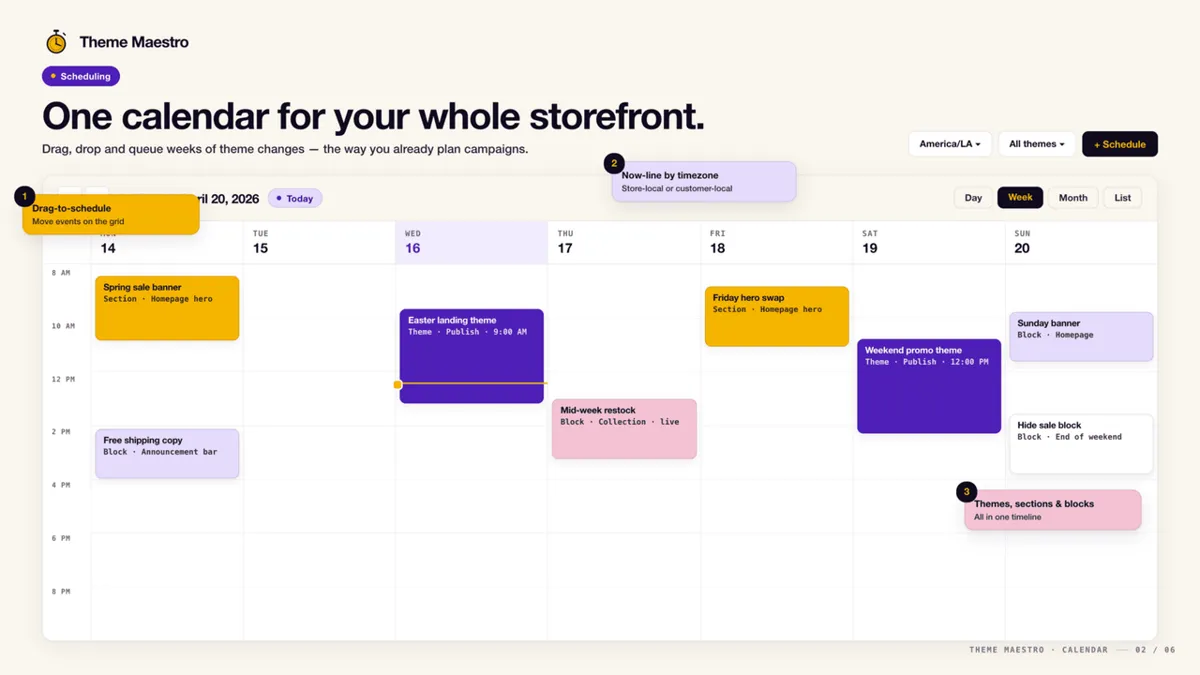
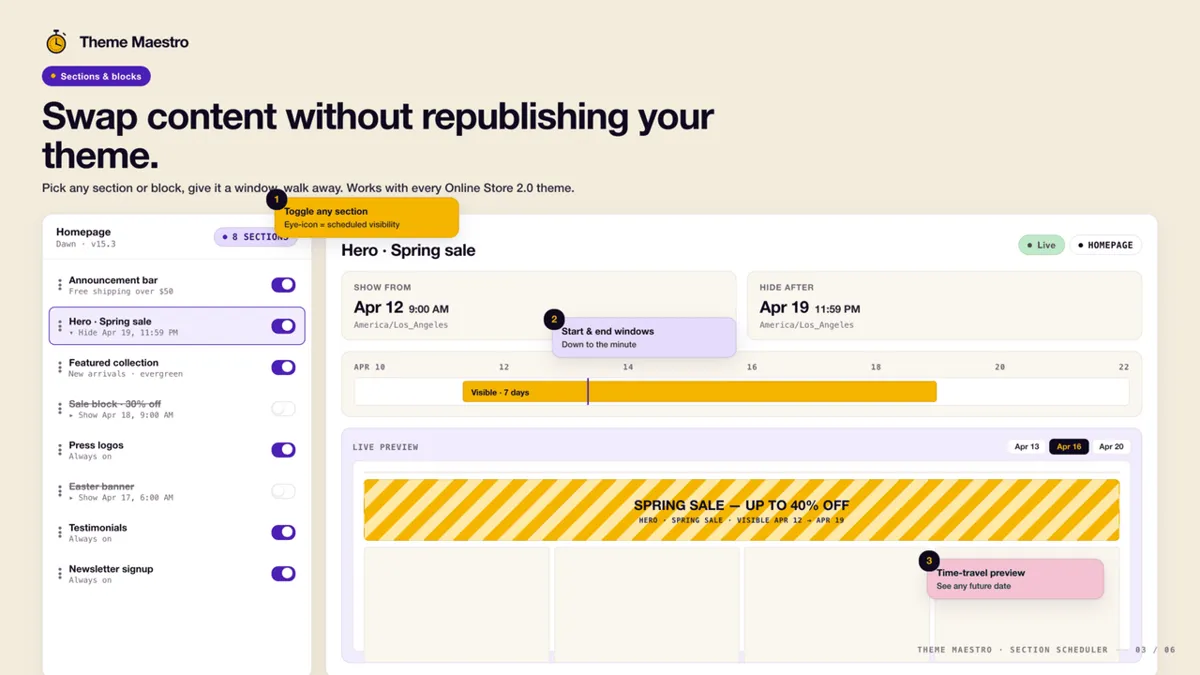
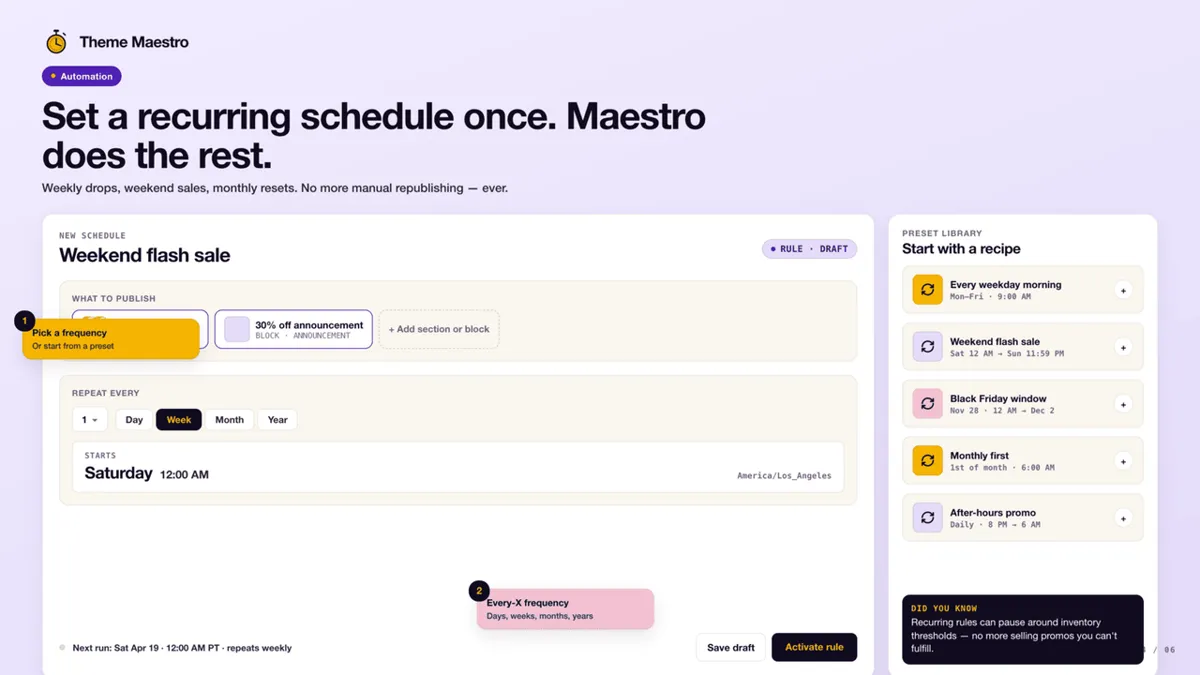
Screenshots: Maestro Themes's public Shopify App Store listing, 28 Oct 2026. Marketing visuals with sample data, not a real store.
Proof: how it works, step by step
What you pay to stop the mess
What you pay to stop publishing at midnight:
- Most stores
Advanced
$9.99/mo
or $102/yr · 3-day trial
- Unlimited theme publish schedules
- 1 sections & blocks schedule
- Publish history
- Recurring schedules
- Live chat support
For: timed theme swaps for sales and holidays.
Maestro
$49/mo
or $468/yr · 7-day trial
- Everything in Advanced
- Unlimited sections & blocks scheduling
- Unlimited content & visibility schedules
- Unlimited recurring schedules
- Priority chat
For: stores changing banners and sections every week.
Prices from the App Store listing, 28 Oct 2026, in USD. "Most stores" is our read, not the developer's label. The "For:" lines are our read.
Who should skip it (and who shouldn't)
- Good fit: stores that run timed sales, drops or holiday themes and are not on Shopify Plus.
- Probably skip: if you change your theme a few times a year and someone is awake to click Publish, the manual way is free.
- Be aware: the cheaper plan includes only one sections-and-blocks schedule; heavy banner rotation needs the $49 plan.
Verdict: should you install it?
For timed theme launches on a non-Plus store, $9.99 a month is a cheap way to never babysit a launch again. Rated 5.0 from 13 reviews and Built for Shopify. If you only change themes twice a year and someone is awake anyway, skip it.
Start the Maestro Themes free trial Our own app affiliate link
Maestro Themes is made by XCO Apps, the team behind StoreVetted; we may earn a commission if you subscribe. Facts and prices are from its Shopify App Store listing, checked 28 Oct 2026.
All XCO Apps reviews15 Shopify apps from the team behind StoreVetted, each with pricing and screenshots.