- Home
- Claims tools
- Return cost
What do returns really cost my store?
A return is more than the refund. Enter your own numbers to see what return labels, exchanges, handling time, packaging, unsellable stock and payment fees add up to each month, with every formula shown.
Affiliate disclosure: some links on this page are affiliate links. If you buy through them, StoreVetted may earn a commission at no extra cost to you. Claimify is our own app and is labelled as such. How we make money.
Free download
Log every return and claim in one place.
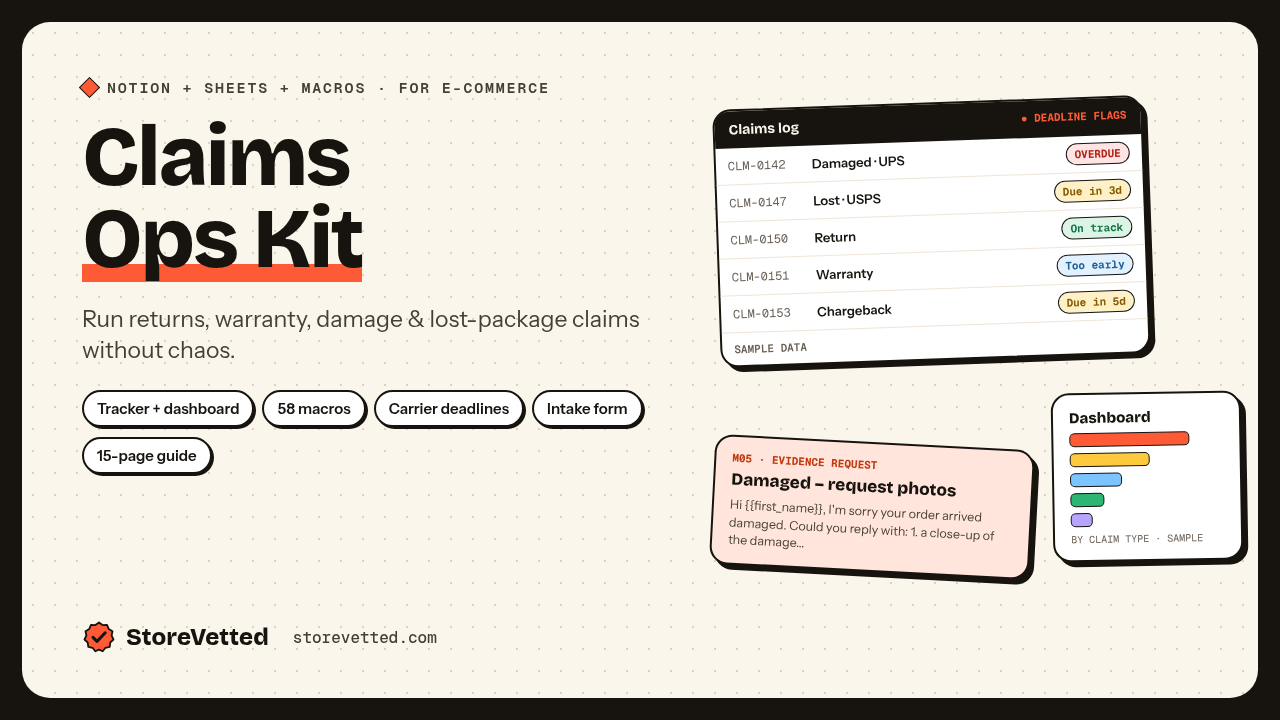
The free Claims Ops Kit Lite gives you a claims and returns log in Excel or Google Sheets, 10 reply macros and an evidence checklist, so you can see which products and reasons drive your returns.
Get the free kitFAQ
How do I calculate what a return costs my store?
Add up what you pay because the order came back: the return label (if you pay for it), the outbound shipping on any exchange, the staff time to answer the customer and to receive, inspect and restock the item, packaging, the product cost of items you can’t resell, and any payment processing fees you don’t get back on the refund. Subtract restocking fees you charge. This calculator shows every one of those lines with the formula next to it.
Is the refunded money counted as a cost?
No. A refund reverses the sale and the item comes back, so the calculator shows refunded revenue separately for context and only counts what the return actually costs you. Items that can’t be resold are counted at their product cost.
Are the default numbers industry averages?
No. Every default is an example so the tool shows a result straight away. Replace them with your own numbers from Shopify (or your platform), your shipping software and your helpdesk.
Do payment processors return their fees when I refund?
It depends on the processor and the plan, so check yours. If your processor keeps its fee on refunded orders, enter that fee as a percentage; if it returns it, enter 0.
Which apps help with returns?
Claimify (our own Shopify app) handles returns, damage and warranty claims in the Shopify admin, including printable return labels, exchanges as draft orders and store credit instead of a refund. ParcelWILL by CWILL covers tracking, shipping protection and returns. Compare current features and pricing on each vendor’s site.
Are the links affiliate links?
Some are. Links marked “affiliate link” are sponsored and StoreVetted may earn a commission at no cost to you. Claimify is our own app and is not an affiliate link. Recommendations follow fixed rules based on your inputs.