- Home
- Claims tools
- Refund policy
Refund policy generator for Shopify stores
Answer a few questions about your return window, shipping, refunds, store credit and exchanges. Copy a clear return and refund policy and paste it into Shopify. No email, no sign-up.
Affiliate disclosure: some links on this page are affiliate links. If you buy through them, StoreVetted may earn a commission at no extra cost to you. Claimify is our own app and is labelled as such. How we make money.
Free download
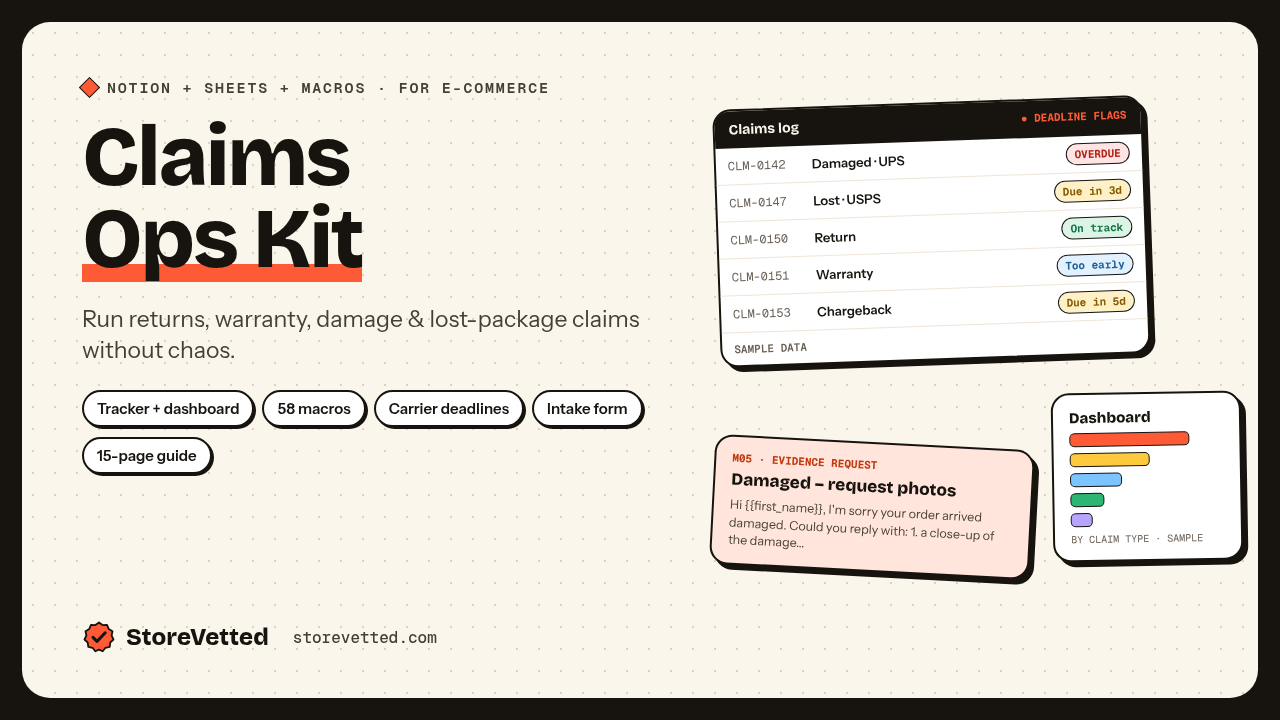
Track every return and claim your policy brings in.
The free Claims Ops Kit Lite gives you a returns and claims log in Excel or Google Sheets, 10 reply macros and an evidence checklist, so you can see which products and reasons drive your returns.
Get the free kitFAQ
Do I need a refund policy on Shopify?
Customers look for one before they buy, and Shopify has a dedicated place for it: Settings > Policies > Return and refund policy. Once it’s added, Shopify links it in your checkout footer automatically (Shopify Help Center). In the EU and UK the law also requires you to tell customers about their right to cancel online orders.
Can you have a no refund policy on Shopify?
You can decide not to accept change-of-mind returns where the law allows it, but a policy can’t remove rights customers have by law. For example, consumers in the EU and UK can usually cancel most online orders within 14 days of delivery (Your Europe, GOV.UK), and faulty or wrong items have to be put right. Check the rules for every country you sell to.
How do I write a return policy for my online store?
Cover seven things in plain words: the return window and when it starts, the condition items must be in, how to start a return, who pays return shipping, what the customer gets back (refund, store credit or exchange) and how fast, which items can’t be returned, and what happens with damaged or wrong items. This generator writes each of those sections from your answers.
Where do I add the policy in Shopify?
In your Shopify admin go to Settings > Policies, open Return and refund policy, turn off “Use automated policy” if it’s on, paste the text and click Save. Your policy is then available at yourstore.com/policies/refund-policy, and you can add it to your footer menu.
Is this generator free and private?
Yes. It’s free, with no email or sign-up, and it runs in your browser: what you type isn’t sent to us. It’s a template, not legal advice, so read it through and make sure it matches what you actually do.