The mess without it
Thursday night you open the theme editor to unhide the weekend promo slideshow. Sunday night you're supposed to hide it again. Monday morning it's still there, promising a deal that ended hours ago.
How Maestro Visibility fixes it
- Promos run on time. Schedule section and block visibility, no theme editing on the day.
- Several at once. Schedule multiple sections together for one campaign.
- Recurring campaigns. Weekly or seasonal promos repeat without you.
- See the plan. A timeline view, mobile-friendly, and Shopify Flow support (per the listing).
Don't take our word for it: these are the app's own screenshots from its App Store listing.
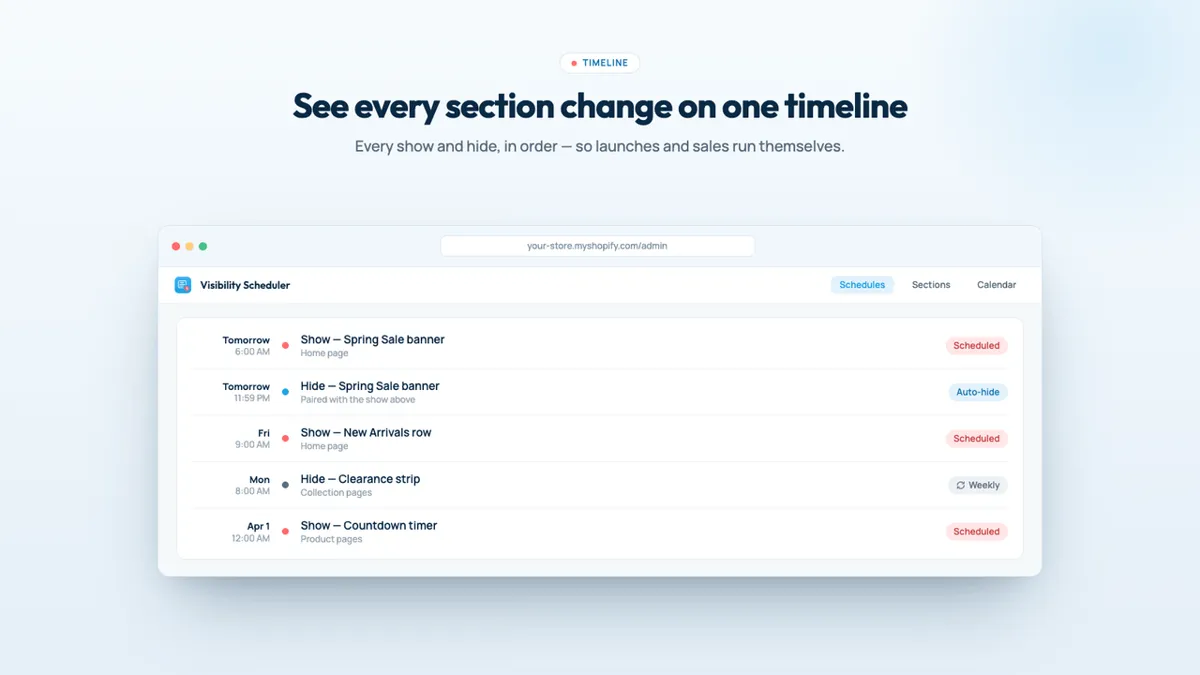
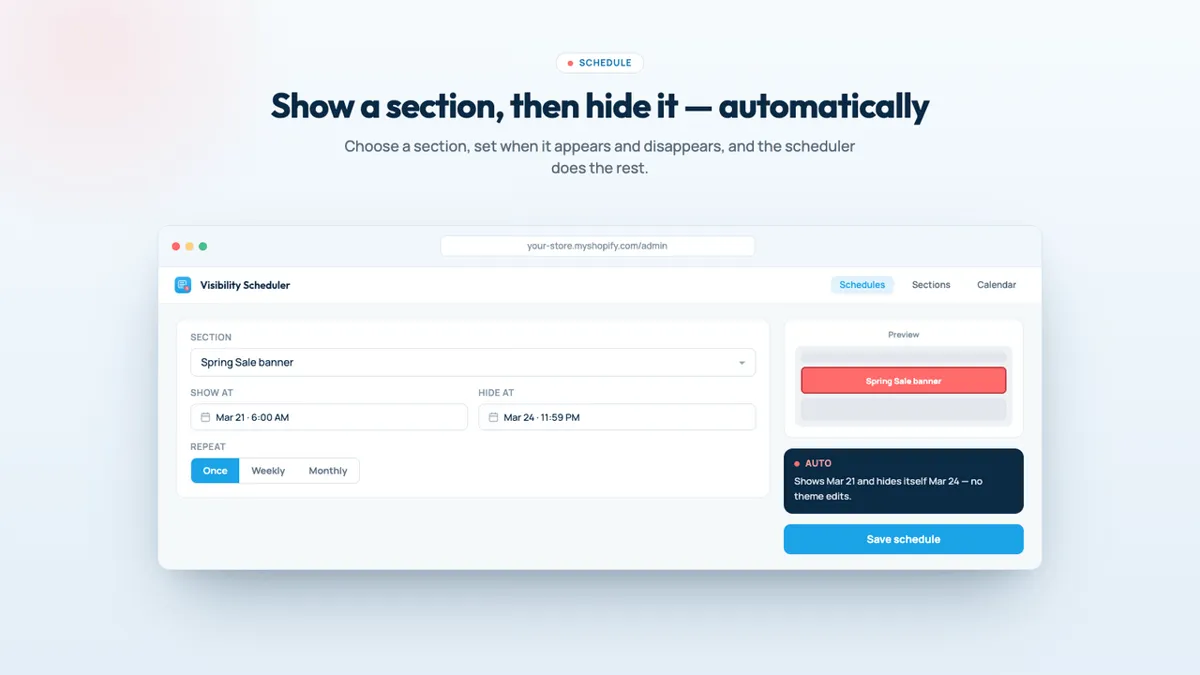
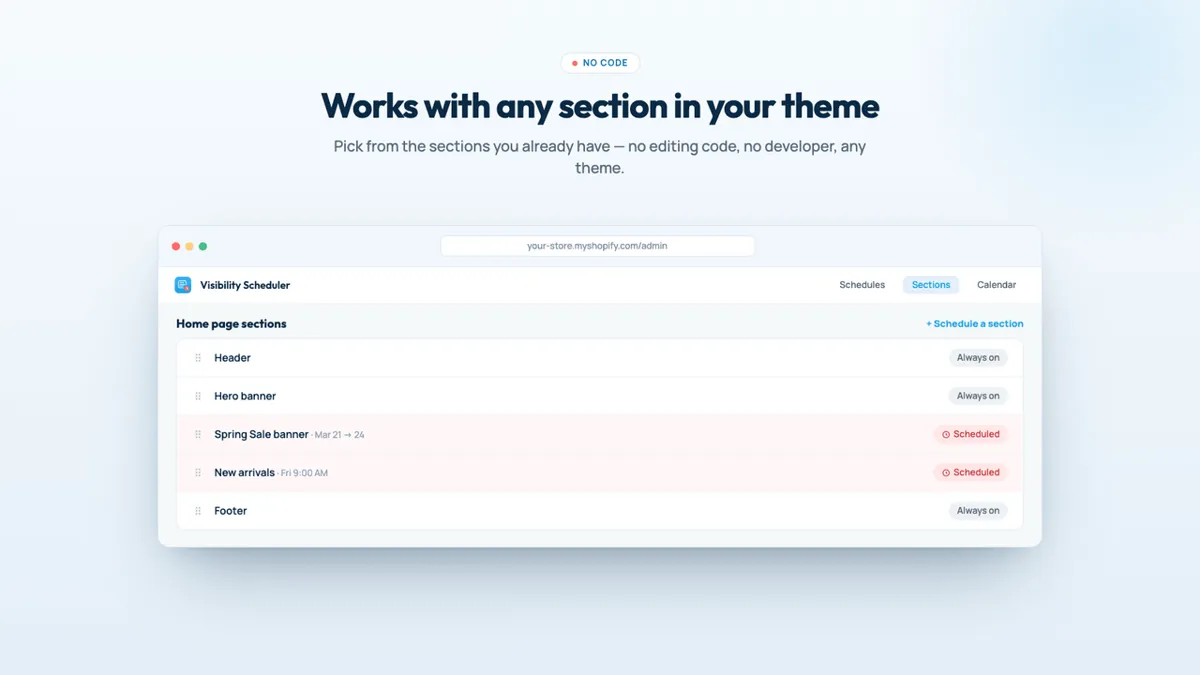
Screenshots: Maestro Visibility's public Shopify App Store listing, 28 Oct 2026. Marketing visuals with sample data, not a real store.
Proof: how it works, step by step
What you pay to stop the mess
One plan, one price, to stop toggling sections by hand:
Basic
$19/mo
or $190/yr · 3-day trial
- Section visibility scheduling
- Block visibility scheduling
- Recurring campaigns
- Multiple sections at once
For: stores that rotate on-page promos often.
Prices from the App Store listing, 28 Oct 2026, in USD. The "For:" lines are our read.
Who should skip it (and who shouldn't)
- Good fit: stores rotating banners and promo sections every week.
- Compare first: Maestro Theme Scheduler (from $9.99) also shows and hides sections and blocks, and adds full theme publishing; check which plan limits suit you.
- Be aware: rating 3.6 from 4 reviews; use the 3-day trial on a real campaign.
Verdict: should you install it?
Focused and simple if you rotate on-page promos every week. Two honest caveats: it's rated 3.6 from 4 reviews, and Maestro Theme Scheduler (from $9.99) also shows and hides sections and blocks, so compare before you choose.
Start the Maestro Visibility free trial Our own app affiliate link
Maestro Visibility is made by XCO Apps, the team behind StoreVetted; we may earn a commission if you subscribe. Facts and prices are from its Shopify App Store listing, checked 28 Oct 2026.
All XCO Apps reviews15 Shopify apps from the team behind StoreVetted, each with pricing and screenshots.