The mess without it
December 15th: the last-order-for-Christmas bar should go up. You forget until the 17th. January 4th: the same bar still says "Order by Dec 18", and a new customer emails to ask if you're still open.
How Quick Notice fixes it
- Notices go up and come down on time. Start/stop scheduling.
- Write it fast. Templates for promotions, shipping delays and order updates.
- See it before customers do. Live preview and customizable styling.
Don't take our word for it: these are the app's own screenshots from its App Store listing.
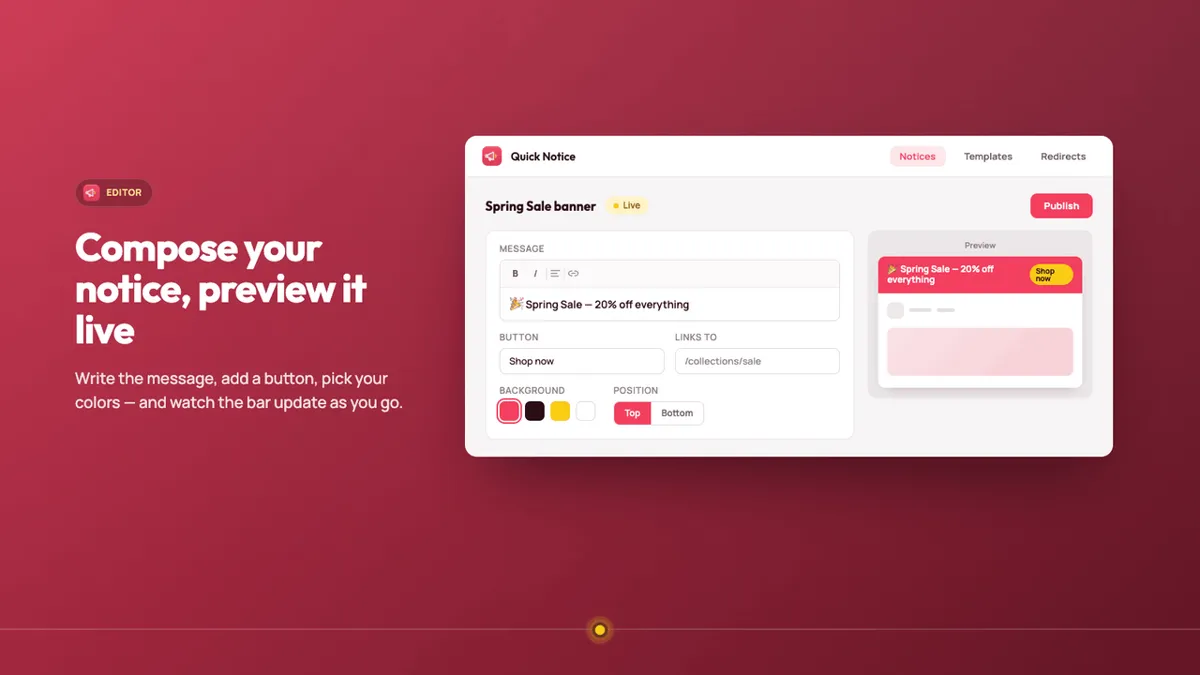
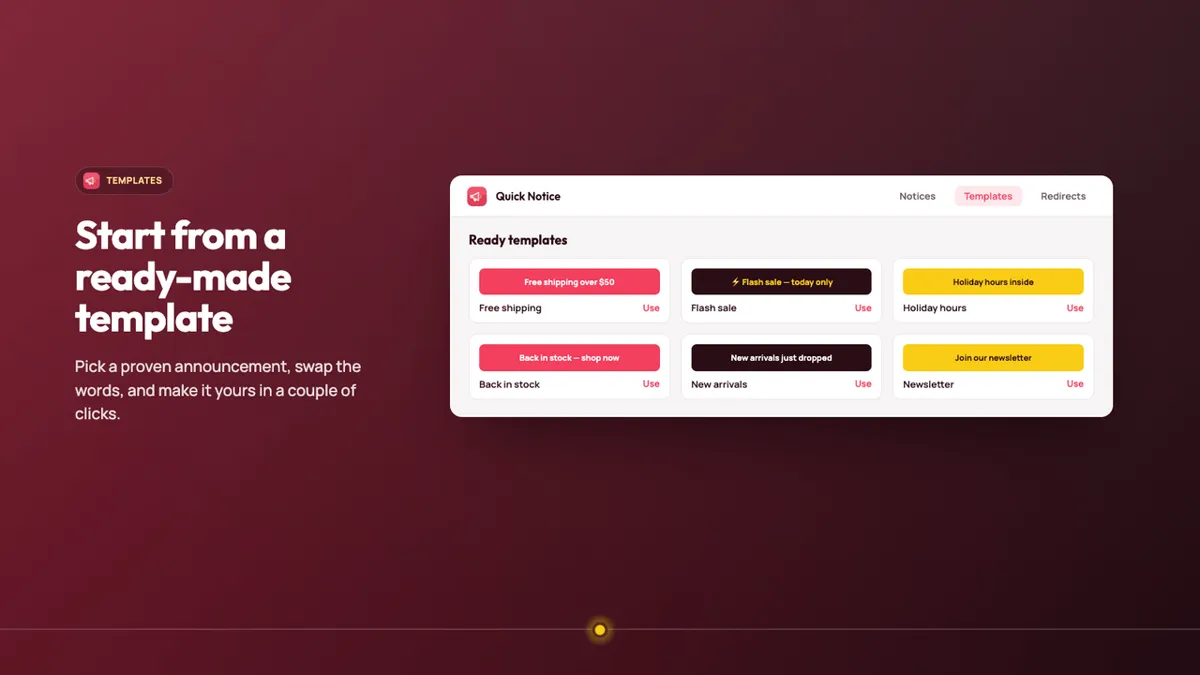
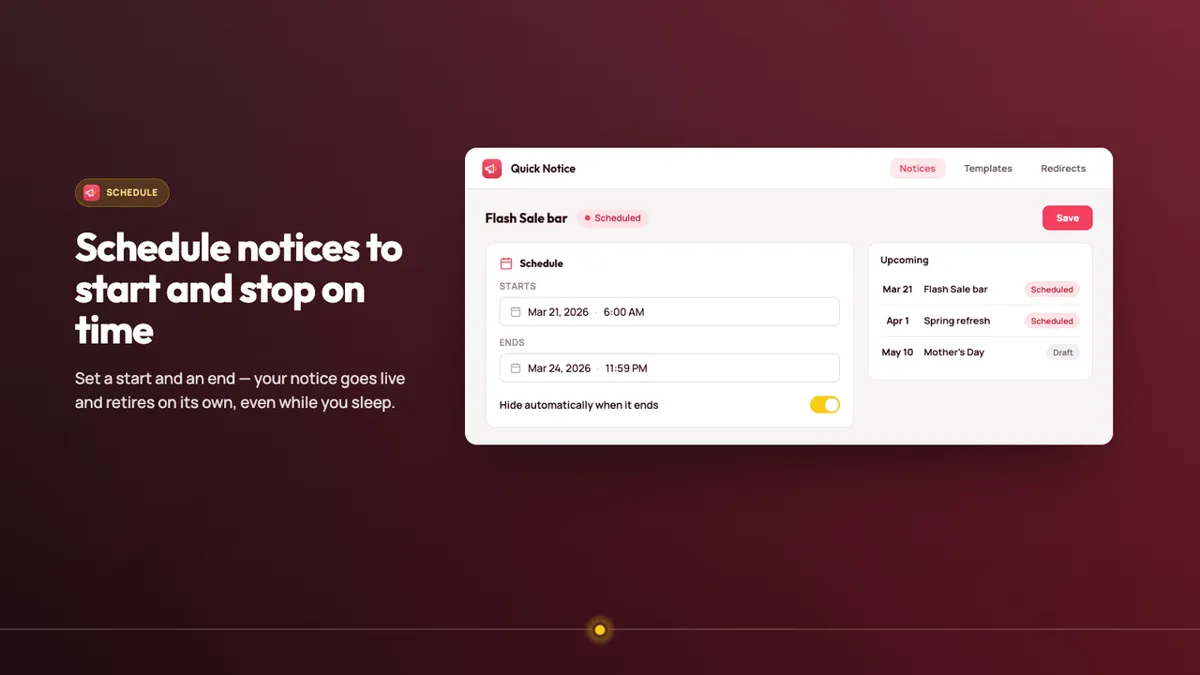
Screenshots: Quick Notice's public Shopify App Store listing, 28 Oct 2026. Marketing visuals with sample data, not a real store.
Proof: how it works, step by step
What you pay to stop the mess
What you pay to keep notices current. The listing shows no separate feature list for Plus:
Free
Free
- 1 notice
- All features
- Standard support
For: one always-on announcement.
Plus
$9/mo
or $90/yr · 3-day trial
- Paid plan; the listing shows no separate feature list
For: stores that outgrow one notice.
Prices from the App Store listing, 28 Oct 2026, in USD. The "For:" lines are our read.
Who should skip it (and who shouldn't)
- Good fit: stores that post shipping cut-offs, delays or sale notices.
- Probably skip: if your theme's built-in announcement bar is enough and you don't need scheduling.
- Be aware: no reviews yet.
Verdict: should you install it?
Free for one notice, so set up your next holiday shipping cut-off with it and let it take itself down. No reviews yet; the free plan is the test.
Install Quick Notice free Our own app affiliate link
Quick Notice is made by XCO Apps, the team behind StoreVetted; we may earn a commission if you subscribe. Facts and prices are from its Shopify App Store listing, checked 28 Oct 2026.
All XCO Apps reviews15 Shopify apps from the team behind StoreVetted, each with pricing and screenshots.