The problem: contact links hidden in the footer
"How can I add a WhatsApp floating button?" is a perennial Shopify Community question (example thread). Shoppers in markets where WhatsApp is the default way to talk to a shop expect a button on every page.
What it costs
- Pre-sale questions that turn into exits: size, stock, delivery time.
- Heavy chat widgets that load scripts on every page when all you needed was a link.
- A button that covers "Add to cart" on mobile, the most common mistake.
Option 1: free code (one channel)
A floating WhatsApp button is just a fixed-position link to https://wa.me/<number>?text=.... Paste it in a Custom Liquid section in the footer group or before </body> in theme.liquid. Free open-source sections such as Chat Orb add theme-editor settings and a separate mobile offset.
The trap: many themes have a sticky add-to-cart bar on mobile product pages, and a corner button lands right on it. Raise the mobile bottom offset (around 70px) or use the other corner, and test on your own phone.
Option 2: one bar for every channel
What Floaty does
- Multiple floating icon groups (e.g. "Social" and "Contact").
- Full control of size, shape, colour and on-screen position.
- Icon library including WhatsApp and TikTok, plus custom links.
- Free plan: 1 icon group, up to 5 icons, basic customization, starter templates.
- Pro $4.99/month (or $39/year): unlimited groups, page and device targeting, scheduling by date or weekday, delay/scroll/exit triggers, click analytics with CSV export. 3-day free trial.
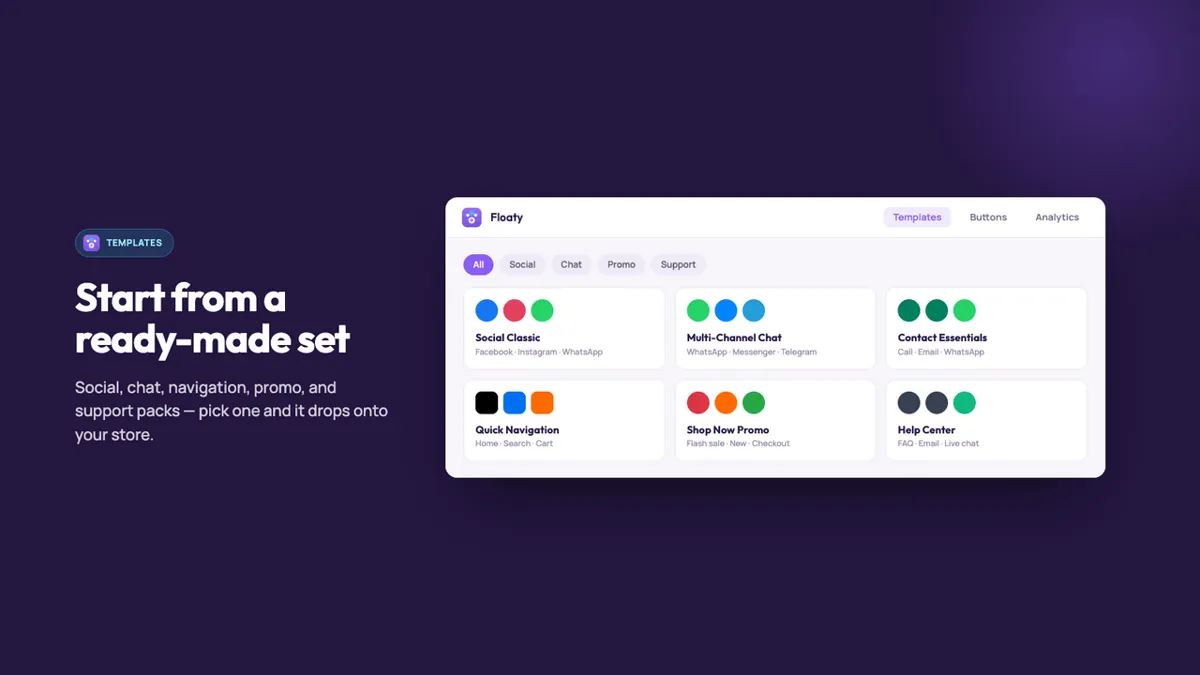
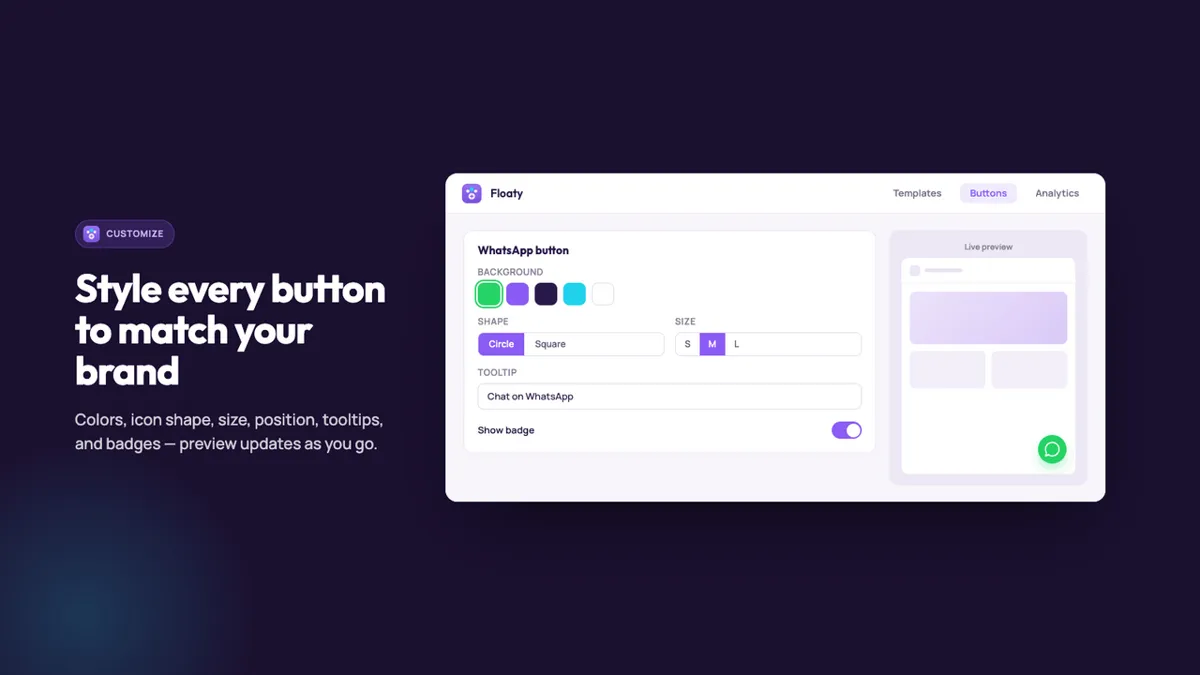
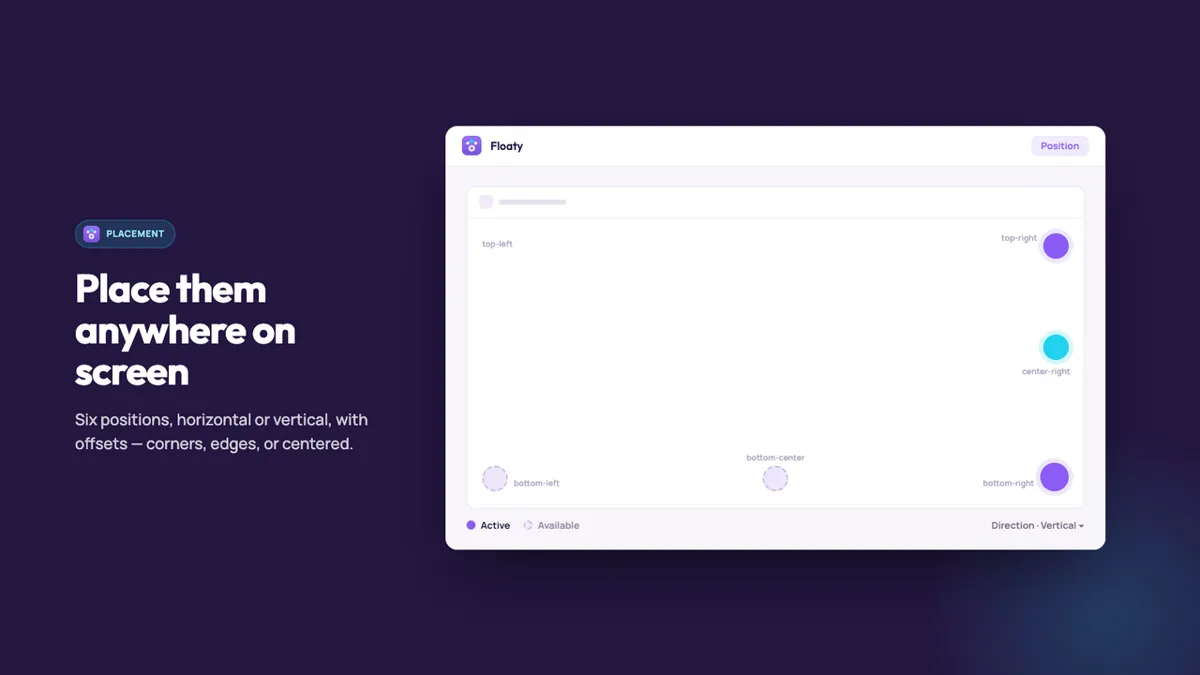
Screenshots: the app's public Shopify App Store listing, 29 Oct 2026. Marketing visuals with sample data.
Who should skip it
- You only need one WhatsApp link and can paste code: the free method is enough.
- You need a real inbox with chat history and agents: use a live chat or helpdesk tool instead (see our live chat picker).
- Be aware: Floaty launched in December 2025 and had no reviews yet on 29 Oct 2026. The free plan lets you test it at no cost.
Verdict
For one WhatsApp link, the free code method works; just clear the mobile sticky bar. If you want WhatsApp, email and socials in one tidy bar, scheduled to business hours, with click counts, Floaty's free plan covers the basics and Pro is $4.99 a month.
Add Floaty floating buttons (free plan) Our own app affiliate link
Floaty is made by XCO Apps, the team behind StoreVetted; we may earn a commission if you subscribe. App facts and prices are from its Shopify App Store listing, checked 29 Oct 2026.