The problem: the deadline lives in your head, not on the page
You know your last order date for Christmas delivery; customers don't. Carriers publish their holiday deadlines each year in November, and yours depends on your handling time on top of that. If it's only in an FAQ, nobody reads it.
What it costs
- "Where is my order" tickets from late orders in the last week before Christmas (see our WISMO guide).
- Refunds and chargebacks for gifts that arrived after the day.
- Lost urgency: a visible deadline is also a reason to order now.
- A stale banner: "order by 18 Dec" still showing on 23 Dec is worse than no banner.
The fix: a sequence of scheduled notices
- Work out your real date: carrier deadline minus your handling and pick-pack time.
- Say the date, not "soon": "Order by Fri 18 Dec for Christmas delivery (UK)".
- Schedule each message to start and stop automatically, so nothing goes stale.
- After the cut-off, offer an alternative: express shipping or a gift card.
What Quick Notice does
- Compose a notice and preview it live, or start from a ready-made template.
- Schedule notices to start and stop on time.
- Customizable appearance to match your store.
- Works with Checkout, per its listing.
- Free plan with 1 notice; Plus $9/month (or $90/year) for all features, 3-day free trial (listing, 29 Oct 2026).
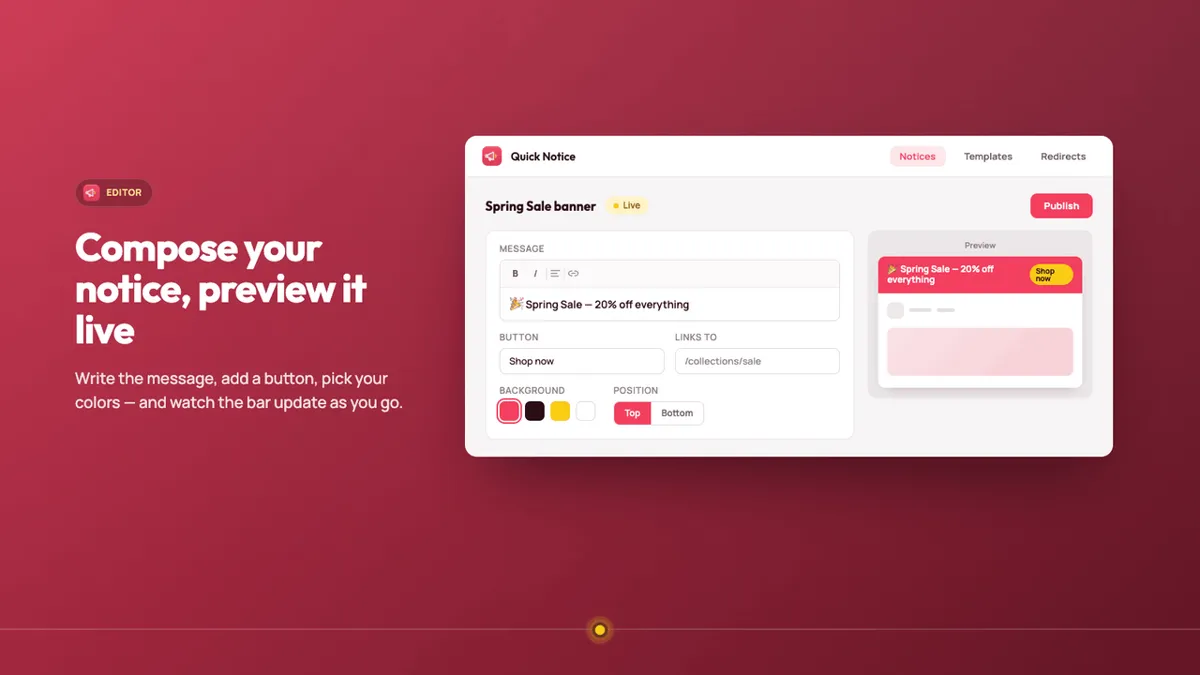
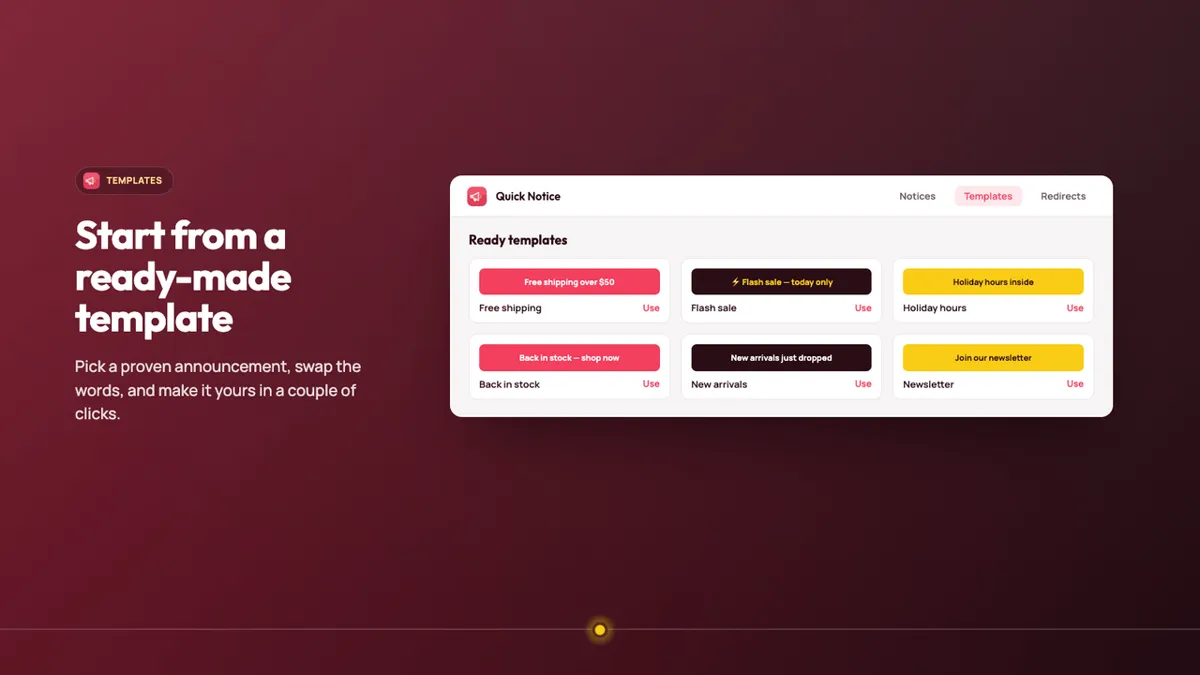
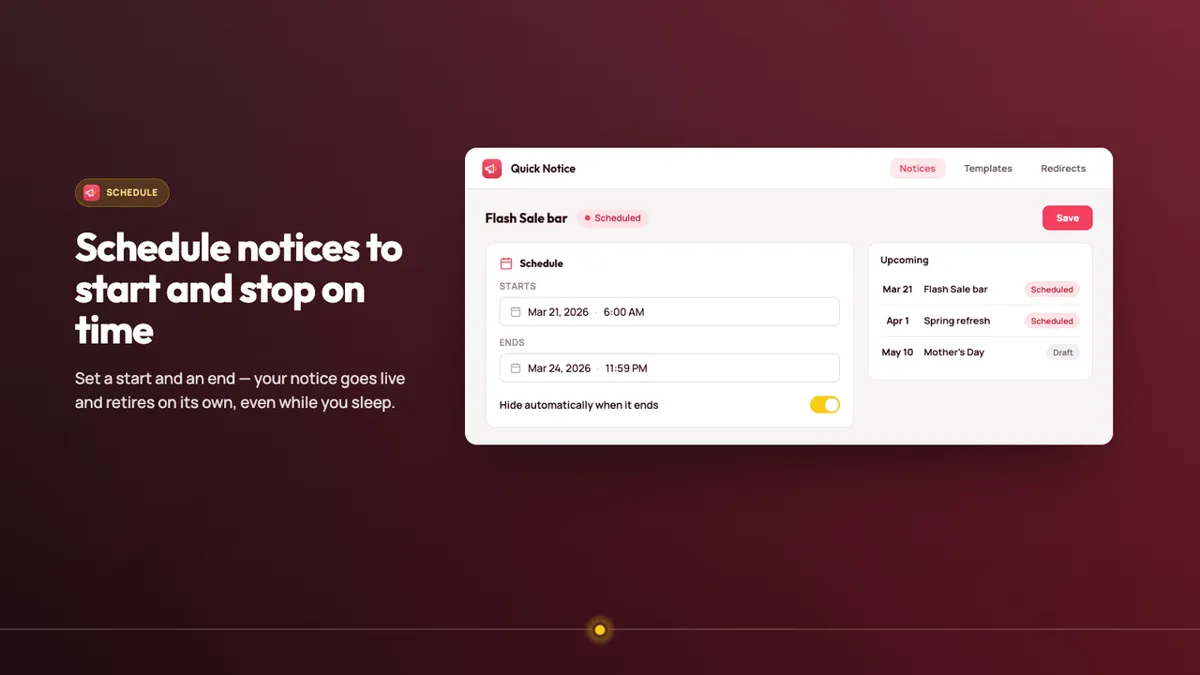
Screenshots: the app's public Shopify App Store listing, 29 Oct 2026. Marketing visuals with sample data.
Who should skip it
- If you only need one static line, your theme's built-in announcement bar is free; just remember to edit it on the right days.
- Running several notices at once (per country or per product) needs Plus at $9/month; check what the free plan covers before relying on it.
- Be aware: Quick Notice had no reviews yet on 29 Oct 2026.
Verdict
A dated, scheduled "order by" notice is the cheapest support tool you can add before December: fewer tickets, fewer late-gift refunds, more urgency. Set your dates now, schedule them, and let them switch off on their own. Quick Notice's free plan covers one notice.
Schedule your cut-off notice with Quick Notice Our own app affiliate link
Quick Notice is made by XCO Apps, the team behind StoreVetted; we may earn a commission if you subscribe. App facts and prices are from its Shopify App Store listing, checked 29 Oct 2026.