The pain, in merchants' words
- "I don't want to be awake at midnight to start the sale."
- "Black Friday ends, Cyber Monday starts with different prices, and I have to edit everything twice."
- "The sale was over but the strikethrough prices were still up for days."
What it costs
- Margin leak: every order at sale price after the sale ended is money you chose not to charge.
- Late start: if the price drop goes live at 9am instead of midnight, you miss the early buyers your emails woke up.
- Errors under pressure: bulk CSV edits at 2am are where wrong prices and broken compare-at prices come from.
What you need done, Before, during and after BFCM
Start free: is a scheduled discount enough?
Often, yes. Shopify automatic discounts have a start and end date, and when they end there is nothing to put back. The catch: the product price itself doesn't change, so whether shoppers see a strikethrough on collection pages depends on your theme, and feeds still show the full price. If that's fine for you, use native discounts and skip apps. Shopify Plus stores can also use Launchpad, which changes product pricing at the start and end of an event.
When you need real price changes on a schedule
If you want the sale price as the actual price (compare-at strikethrough, feeds, Google Shopping), the change has to be made and later undone. Maestro Products Scheduler schedules product price changes (increase, decrease, set, decimals and rounding), plus publish/draft/archive, tags and collection changes, from $4.99/month. Its listing screenshot shows "Schedule a sale and its end together".
- Pick the BFCM products (by selection; batch up to 50 on the $4.99 plan, unlimited on $9.49).
- Schedule the Black Friday price at 00:00 on 27 Nov in your store's time zone.
- Schedule the Cyber Monday change and the end-of-sale reset.
- Tag sale products on a schedule too, so a "Black Friday" collection fills and empties itself.
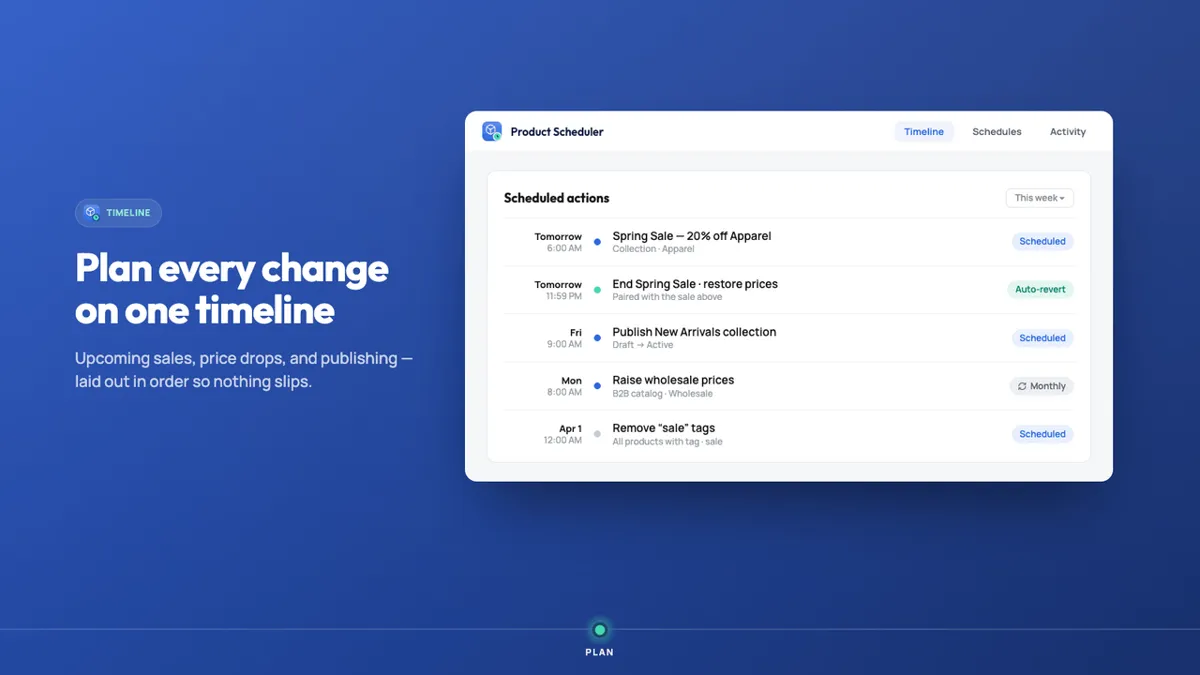

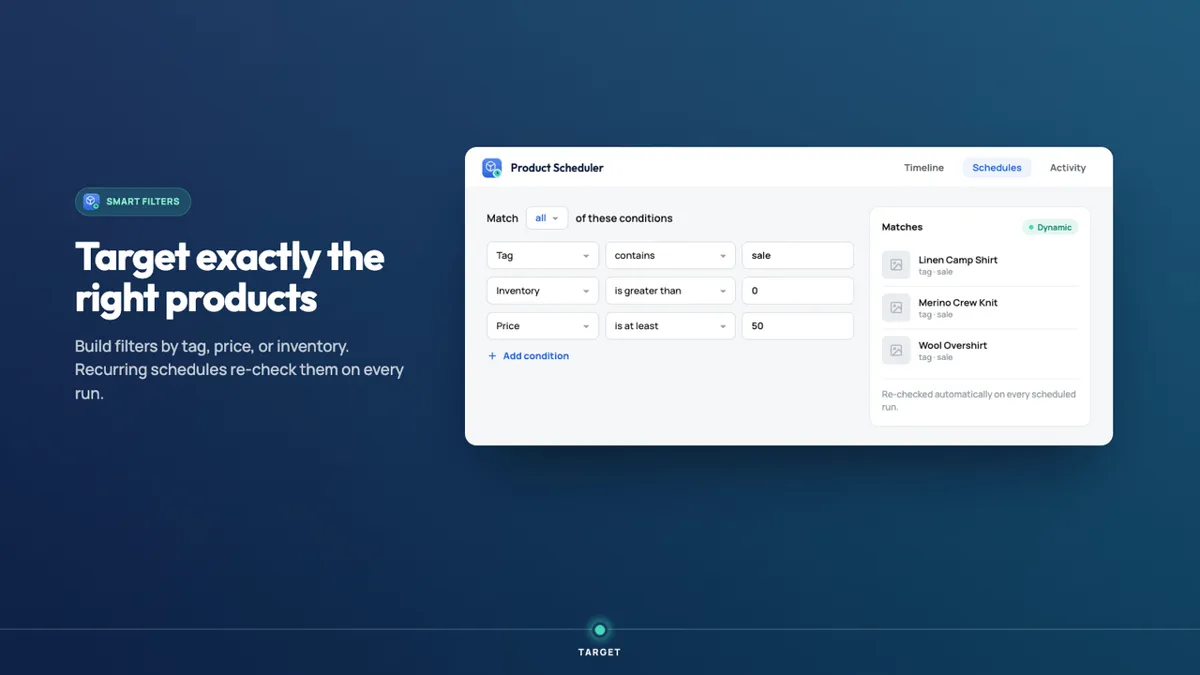
Screenshots: the app's public Shopify App Store listing, 29 Oct 2026. Marketing visuals with sample data.
Who should skip it
- If a scheduled native discount gives you the look you want, use it: it's free and ends cleanly.
- Shopify Plus stores already have Launchpad.
- If your only need is "apply a % off and restore the exact original price", dedicated sale-revert apps exist, some with free plans (e.g. FlashPrice). Maestro is the better fit when you also want to schedule publishing, tags and collections in the same place.
- Test on the 3-day trial with two products before scheduling the whole catalogue.
Verdict
Decide this week whether your BFCM sale is a discount or a price change. If it's a discount, Shopify does it free. If you need real sale prices across Black Friday and Cyber Monday, schedule the start, the switch and the end now, so nobody is editing prices at midnight and nothing is left on sale in December.
Schedule your BFCM price changes Our own app affiliate link
Maestro Products Scheduler is made by XCO Apps, the team behind StoreVetted; we may earn a commission if you subscribe. App facts and prices are from its Shopify App Store listing, checked 29 Oct 2026.