The pain
- A countdown sitting at 00:00:00 after the sale.
- "Black Friday" copy still on the homepage when Cyber Monday ads are running.
- A duplicated sale theme that went live and wiped this week's product and copy fixes.
What it costs
- Trust: a stale sale banner looks like a bait offer, and customers ask for the sale price after it ended.
- Paid traffic wasted landing on the wrong campaign message.
- Your weekend: four manual edits across 27–30 Nov at awkward hours.
What you need done, Before, during and after BFCM
Free options first
- Manual edits: free, but someone must be online at each switch.
- Countdown apps that auto-hide when the timer ends; fine if the countdown is your only timed element.
- Theme scheduling: Shopify Rollouts (Basic and up) and Launchpad (Plus) schedule whole-theme changes; good for a full redesign, risky for small changes because of the duplicate-theme problem above.
Schedule the sections themselves
Maestro Visibility Scheduler shows or hides individual sections and blocks in your live theme at set times, several at once, with recurring campaigns. Build all your BFCM sections now, hidden, then schedule them.
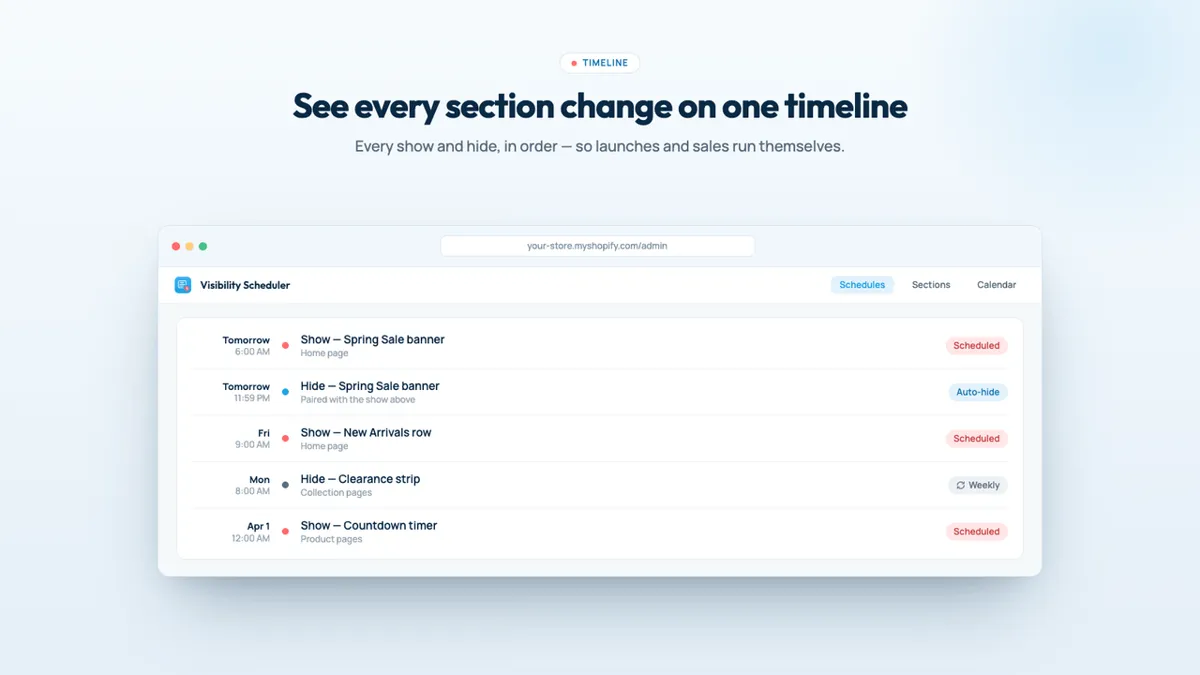
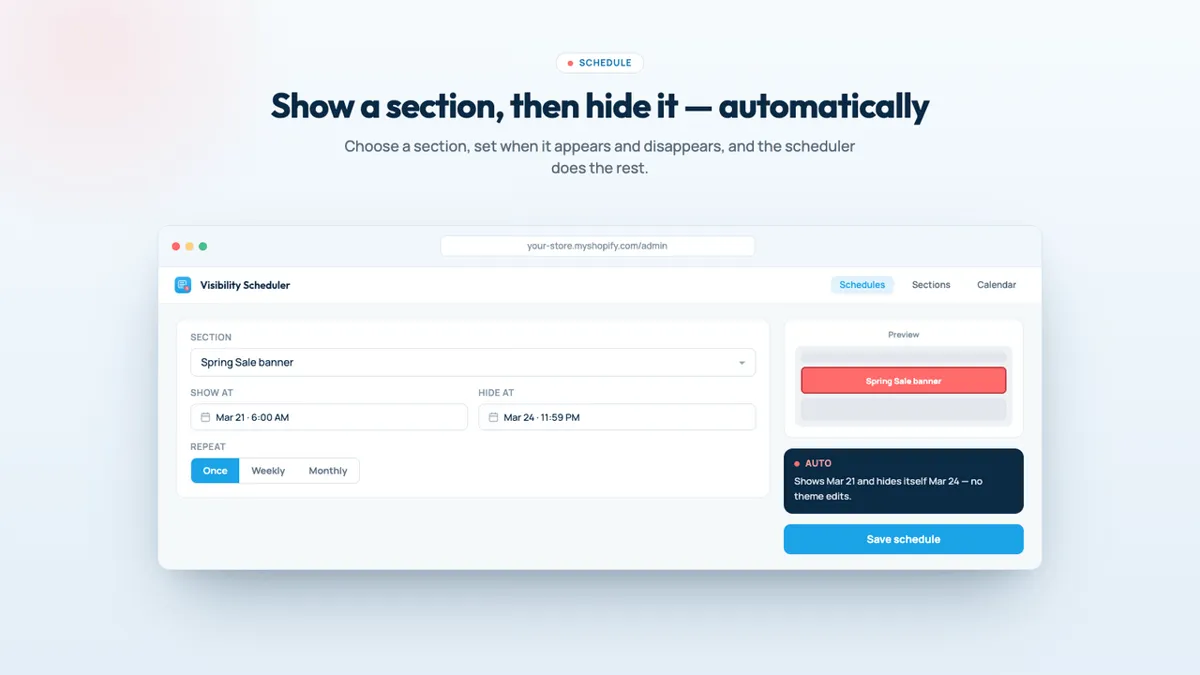
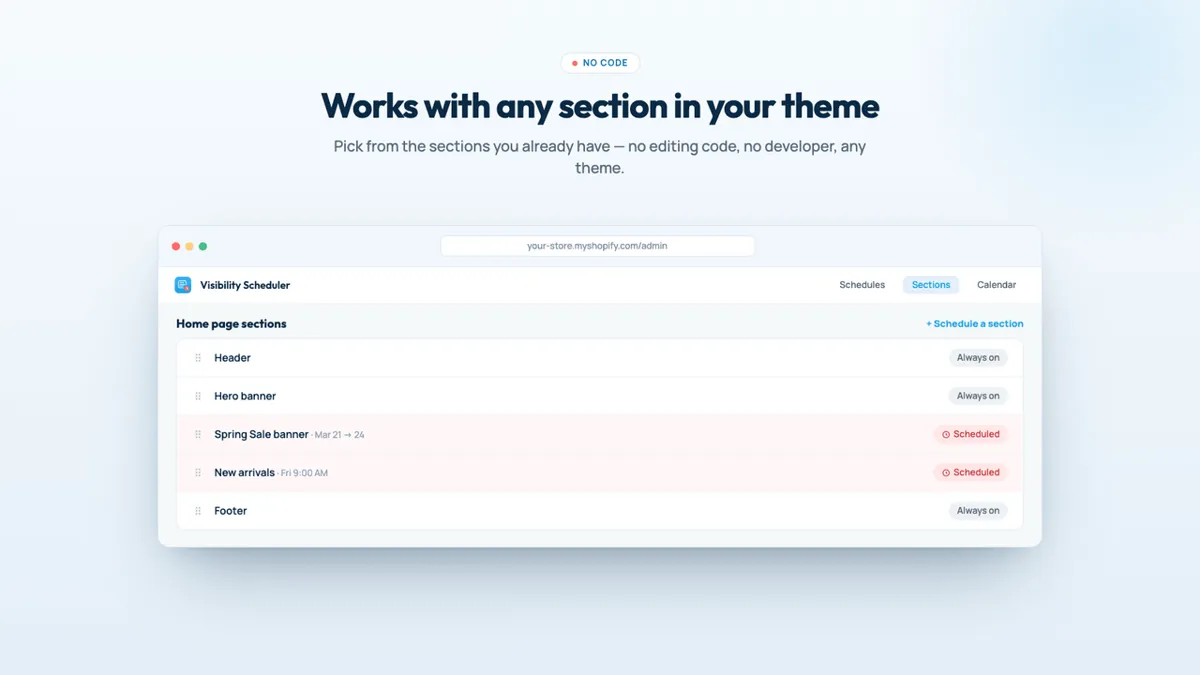
Screenshots: the app's public Shopify App Store listing, 29 Oct 2026. Marketing visuals with sample data.
Who should skip it
- One countdown and nothing else: an auto-hiding countdown app is cheaper.
- If you also want to schedule whole-theme publishes, Maestro Theme Scheduler ($9.99/month, 1 section schedule; unlimited on $49) may suit better; see our Black Friday scheduling guide.
- Be aware: it's $19/month with no free plan, and had a 3.6 rating from 4 reviews on 29 Oct 2026. Set up and test a schedule on a hidden test section within the 3-day trial.
Verdict
Build every BFCM section this week, keep them hidden, and put the switch times on a schedule. Whether you use Rollouts, a countdown app or Maestro Visibility Scheduler, the goal is the same: nobody editing the theme at midnight, and no Black Friday banner on 2 December.
Schedule your BFCM sections Our own app affiliate link
Maestro Visibility Scheduler is made by XCO Apps, the team behind StoreVetted; we may earn a commission if you subscribe. App facts and prices are from its Shopify App Store listing, checked 29 Oct 2026.